July 24, 2026 · 5 min read
How to record cinematics & clips in GTA V / FiveM
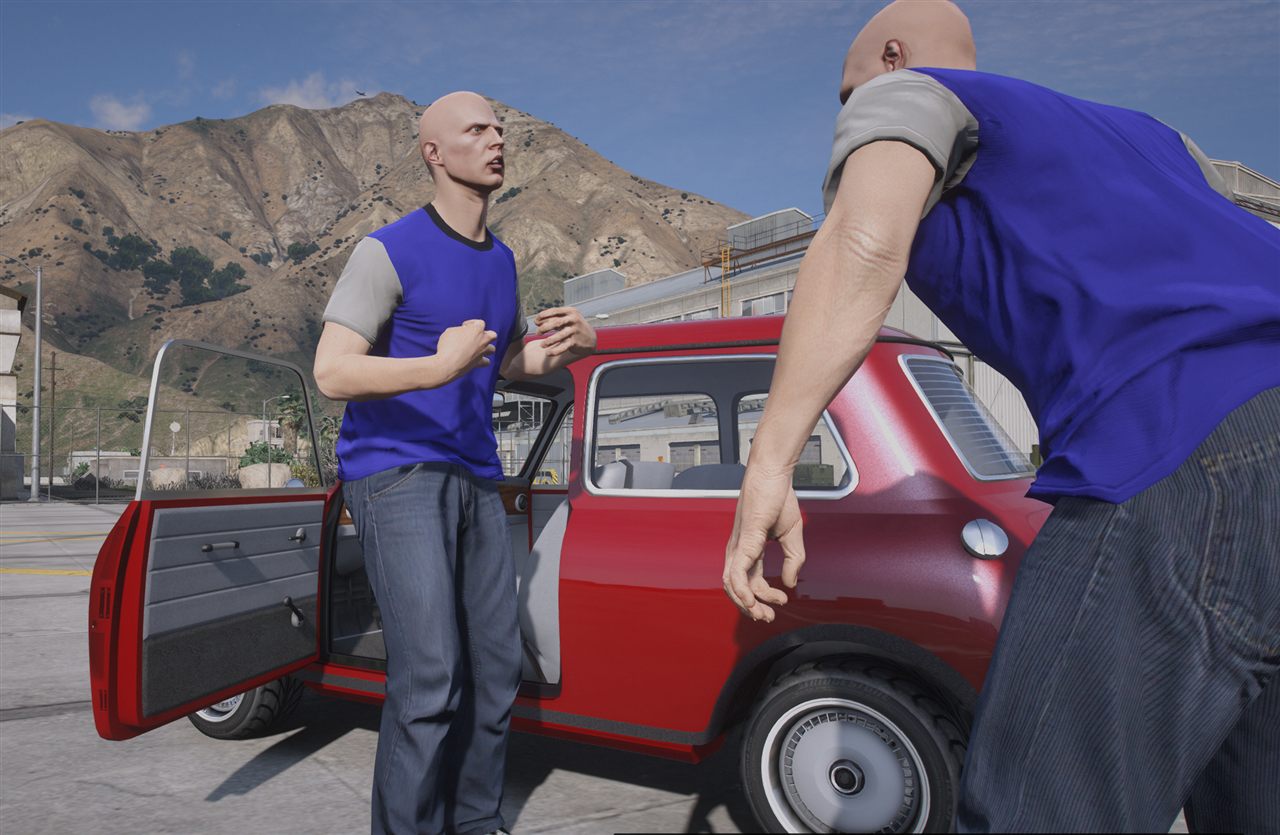
There isn't one "right" tool to make GTA clips — it depends on what you're after. Here's an honest map of the options, from free to pro.
Rockstar Editor (free, built-in)
The editor baked into GTA V. Record gameplay, then place camera moves and export. Great to start, limited for complex scenes and not always reliable on FiveM.
Menyoo (free, single-player)
A trainer with a free camera, object spooner and simple scene tools. Perfect for framing shots and quick posed scenes in single-player. It won't sequence a whole multi-actor scene, but it's a fantastic free starting point.
EVE — Extended Video Export (free, high quality)
The go-to for high-quality exports from the Rockstar Editor: higher resolution, better frame rates and image quality than the stock export. If you care about final render quality, EVE is essential — and we made a one-click installer for it.
→ How to install EVE (one-click installer)
Film Maker Pro (the all-in-one for FiveM scenes)
When you want to direct a full scene — a timeline with cameras, directed actors, vehicles that replay, particles, audio — inside FiveM, in real time, that's what Film Maker Pro is built for. It's not the only tool, and you can absolutely make great clips with the free options above. Film Maker Pro is for when you want to go further, faster.
Which one should you pick?
- Just starting? Rockstar Editor + Menyoo, free.
- Want a clean final render? Add EVE for the export.
- Directing real scenes on your FiveM server? Film Maker Pro.