


July 24, 2026 · 3 min read
How to install EVE (Extended Video Export) — one-click installer
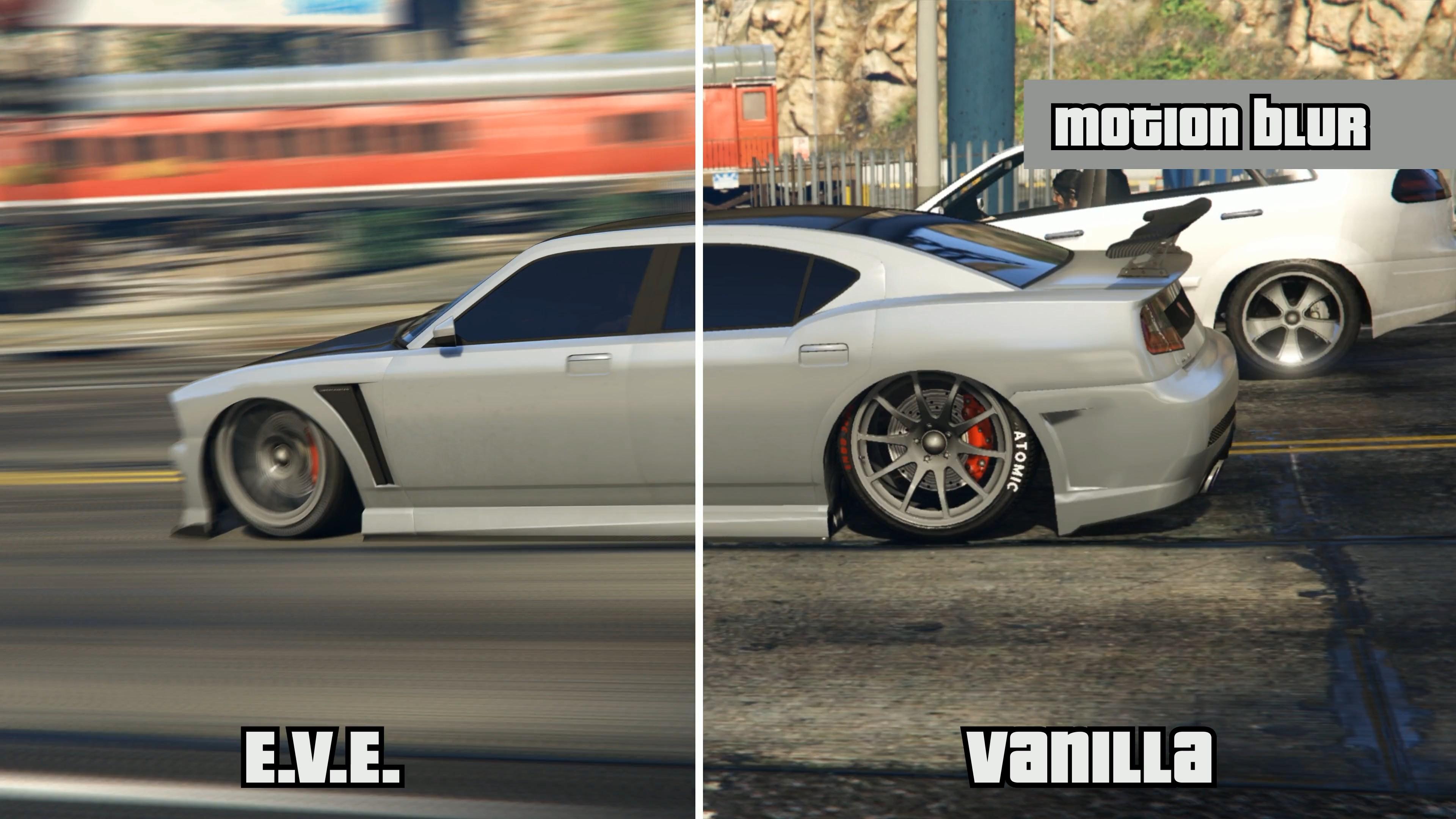
EVE (Extended Video Export) replaces GTA V's built-in Rockstar Editor export with a much higher-quality one — better resolution, frame rate and image quality. It's the standard for anyone rendering serious GTA clips.
The easy way: one-click installer
We built a one-click installer so you don't have to fiddle with files by hand. Grab it here:
Download it, run it, and it sets EVE up for you. Follow the notes in the repository's README for your setup.
Then, in-game
- Open the Rockstar Editor and build your clip as usual.
- When you export, EVE takes over with its high-quality pipeline.
- Pick your resolution and frame rate, and let it render.
That's the whole point of EVE: you keep the editor you know, you just get a far better final image.
Want to direct the scene too?
EVE handles the export. If you also want to build the scene — cameras, actors, vehicles on a timeline inside FiveM — that's Film Maker Pro. The two work great together: direct in Film Maker Pro, export in high quality with EVE.