


July 24, 2026 · 4 min read
How to install a FiveM MLO / mapping on your server
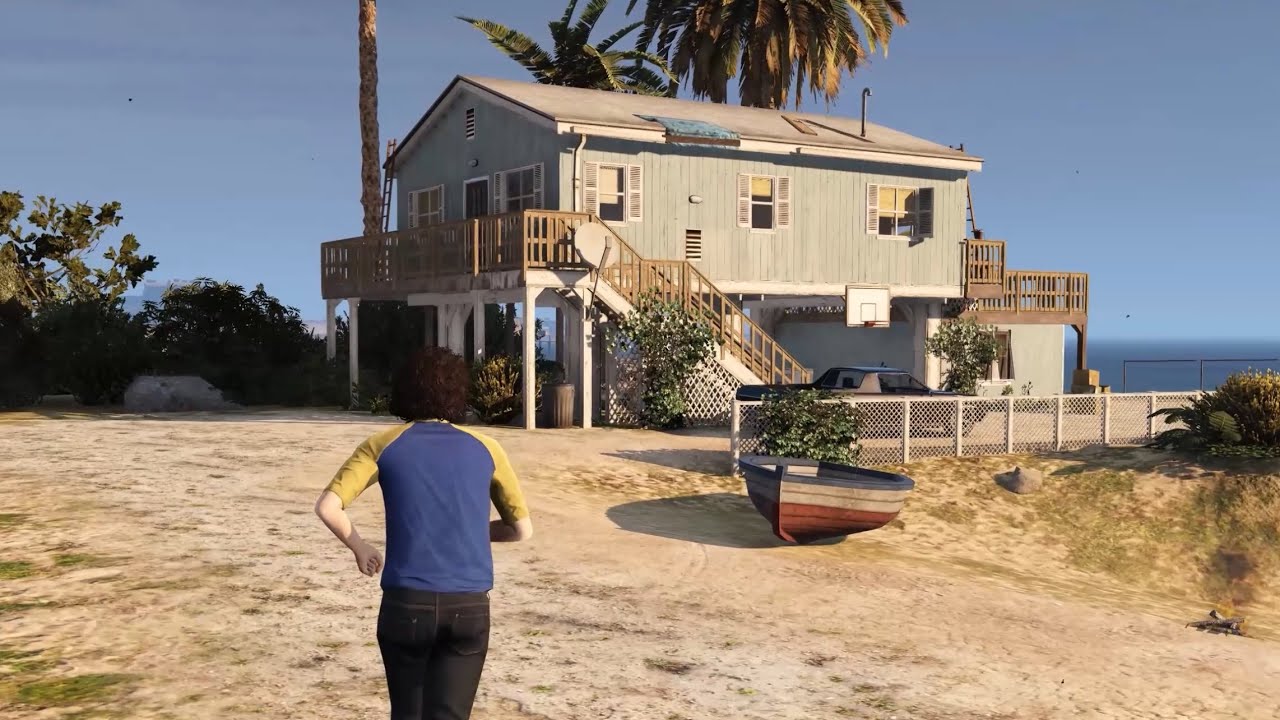
Adding a map (MLO or exterior) to a FiveM server is quick once you know the four steps. Here's the reliable way.
1. Drop the resource in your server
Extract the downloaded folder into your server's resources directory. Keep it inside a bracketed category if you use one, e.g. resources/[maps]/my_mlo. Don't rename the folder unless the docs tell you to.
2. Declare it in server.cfg
Add a line so the server starts the resource:
ensure my_mloIf it lives in a bracketed folder, ensuring the whole category also works: ensure [maps].
3. Let the stream folder load
Most maps ship a stream/ folder with the .ymap, .ytyp and model files. FiveM streams it automatically — you don't touch it. Just make sure it's there and the resource is ensured.
4. Restart and test
Restart the server (or run refresh then ensure my_mlo from the console), teleport to the coordinates in the readme, and check it loads with no missing textures.
Common issues
- Nothing appears — the resource isn't ensured, or the interior needs an IPL/door script that isn't running. Re-read the readme.
- "Asset couldn't be verified" — the map uses the FiveM Asset Escrow system and is tied to the Cfx.re account that bought it. Make sure your server key belongs to that account.
- Collisions or textures missing — a conflict with another map on the same coordinates. Load one at a time to find it.
Got a map conflict? The right tools
Two maps fighting over the same spot? These tools make it easy to find and fix the overlap:
- Vertex — a modern toolset for FiveM mappers.
- Clone V Detector / Ymap Merger — two tools I made: detect conflicting files, and merge several
.ymapinto one. - CodeWalker — the interactive 3D map of GTA V, to inspect and edit
.ymap/.ytypand spot overlaps. - Blender + Sollumz — for deeper editing of GTA V assets directly in Blender.
That's it. If a map still won't load, the fastest fix is usually to isolate it: start a clean server with only that resource.
Bought one of our maps?
If you run into any issue with one of our mappings, don't hesitate to open a ticket on our Discord — we'll be happy to help.